Short answer? No. Do I want to return everything? No. Do I have buyer’s remorse? No. And yes. “WHAT are you talking about, Philip?”
Short answer? No.
Do I want to return everything? No.
Do I have buyer's remorse? No. And yes.
"WHAT are you talking about, Philip?"
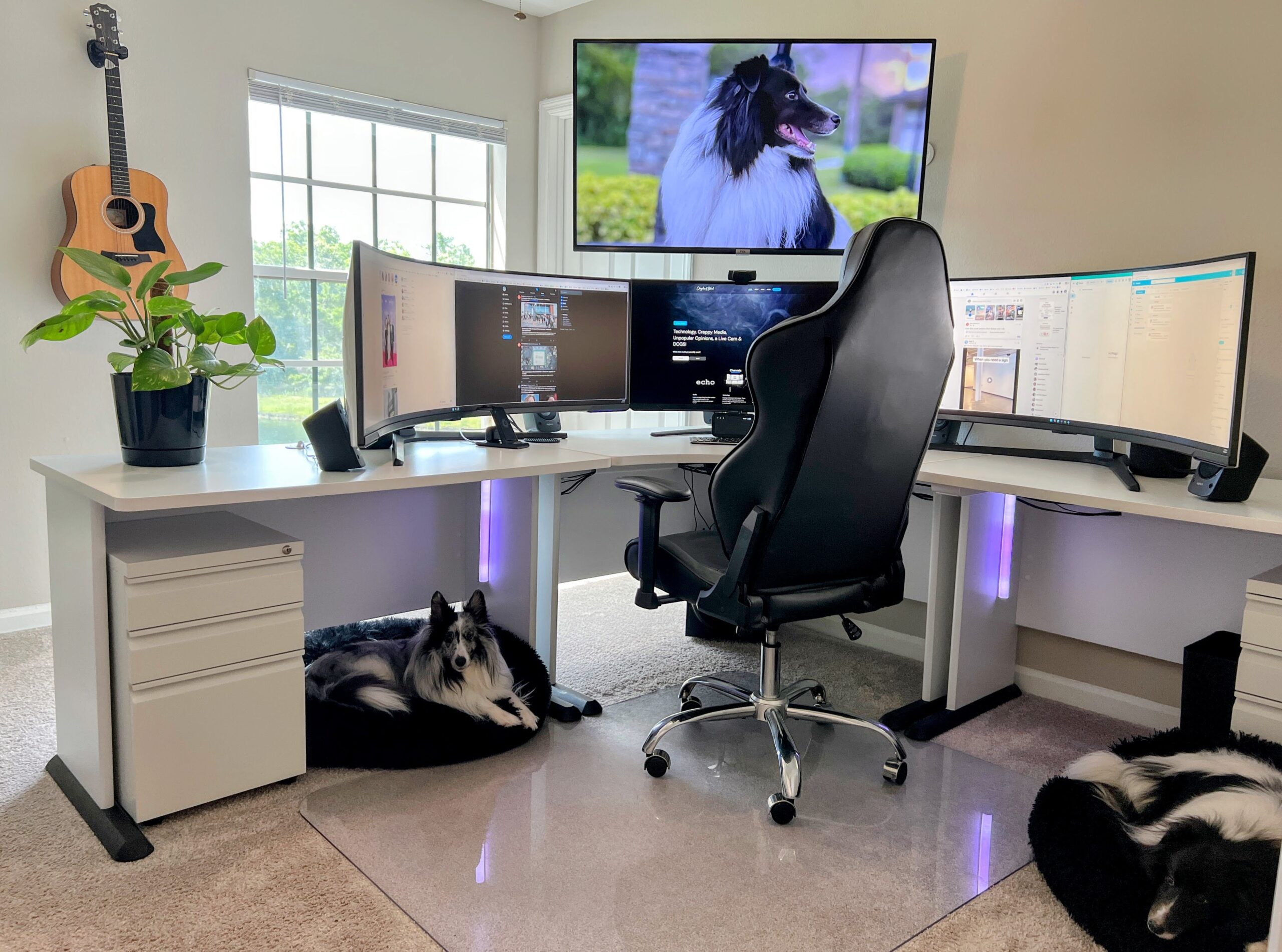
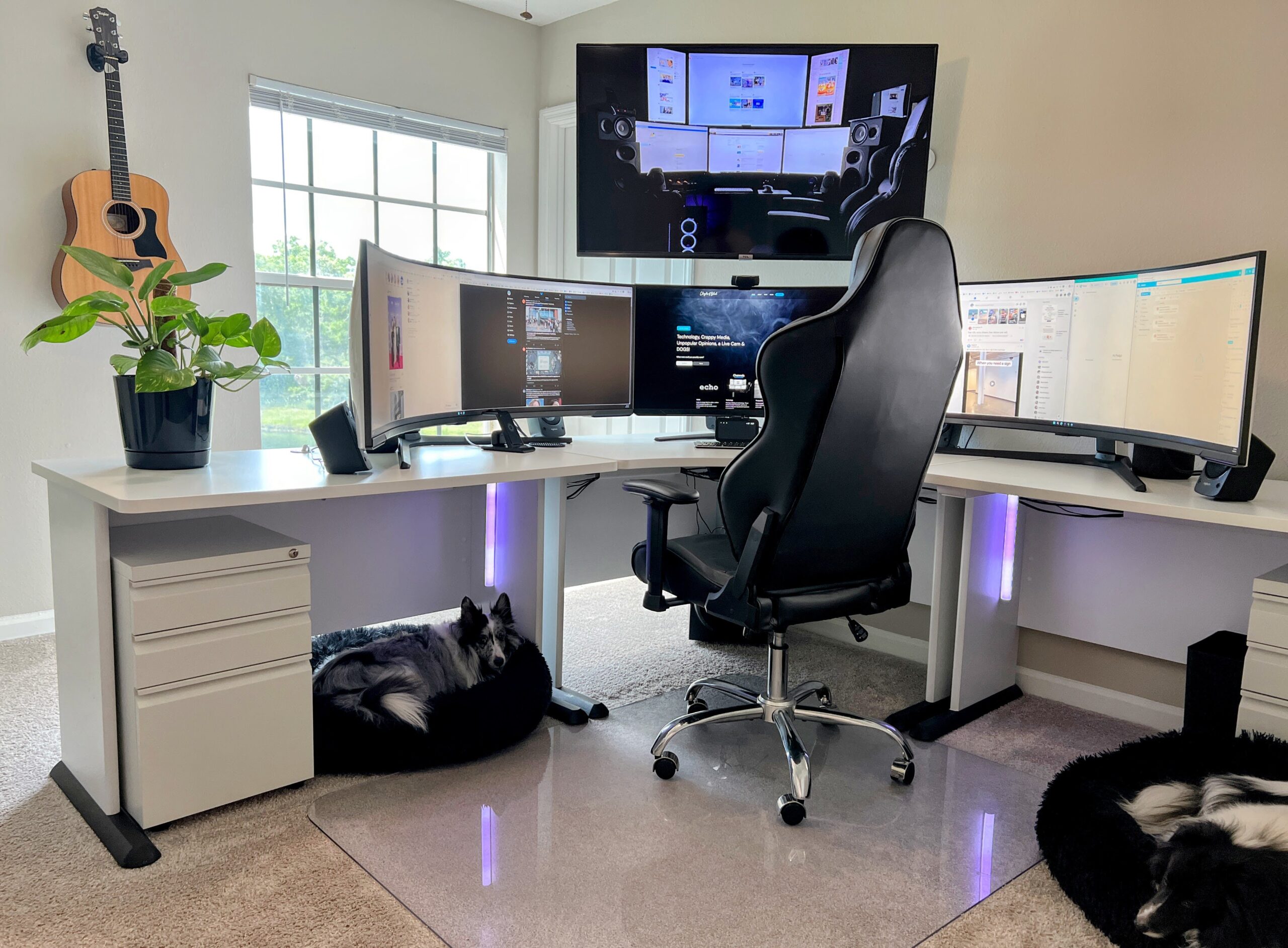
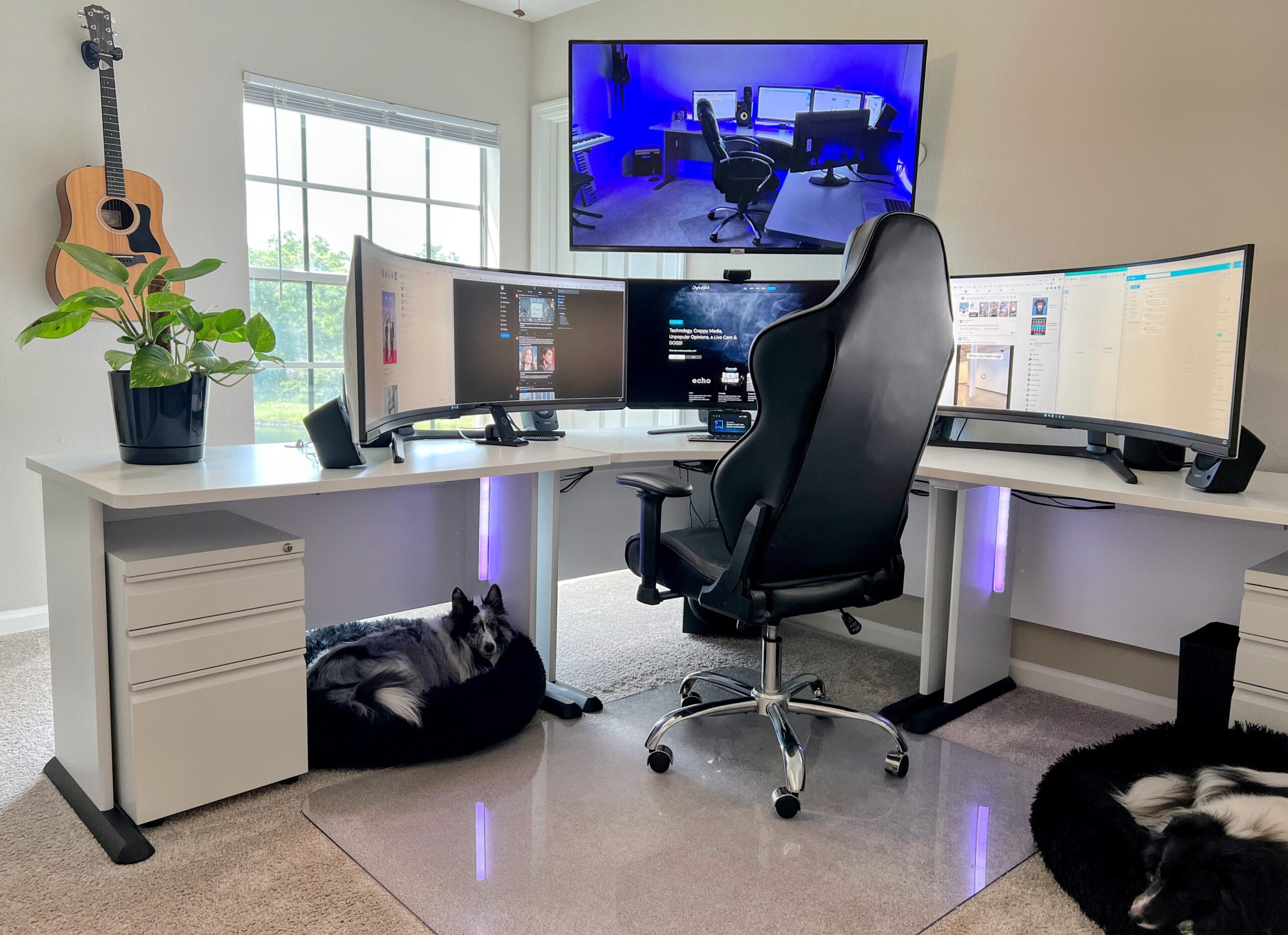
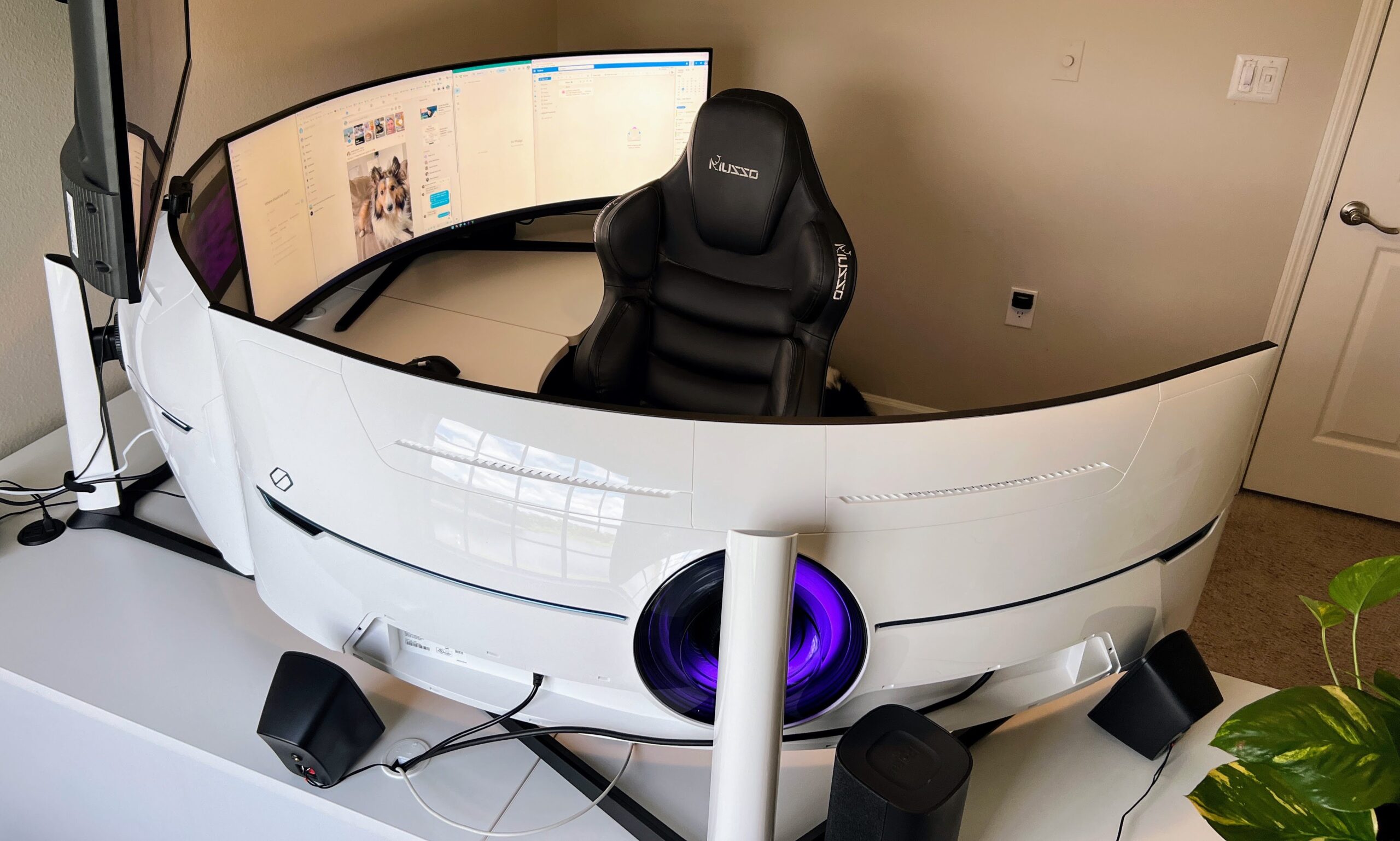
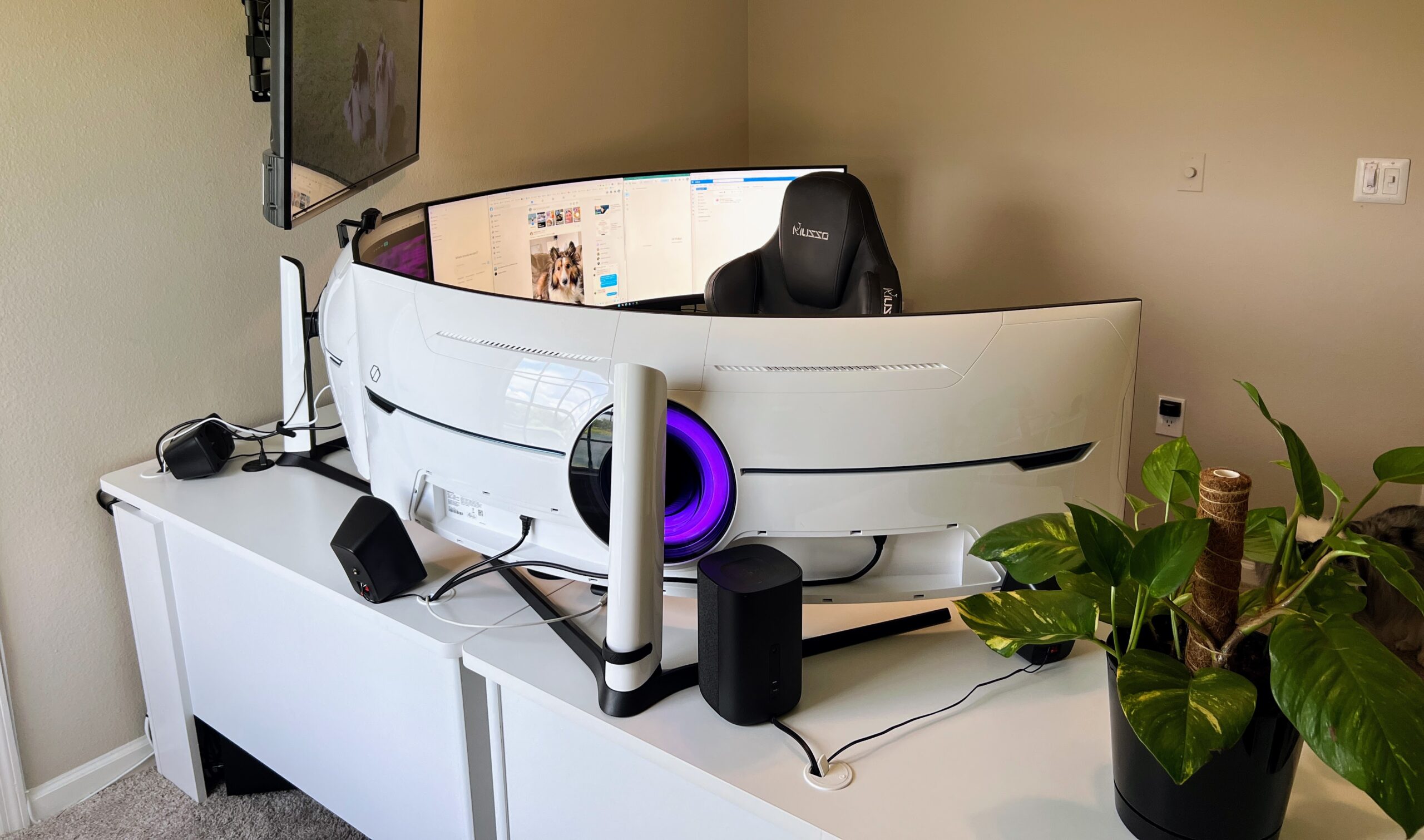
As you will see above, I've had many renditions of my PC setup. From as far back as the early 2000's I've always had five to six displays in my main setup--usually a combination of mismatched displays as you can see on the TV in the above photo gallery. In fact, $3,852 later, I have about as matched of a system as I could possibly have with the amount of desk space that I have, with a combination of a 57" curved ultra-wide (Samsung 57" Odyssey Neo G9 Series), which equates to two 32" curved displays, a 32" curved display made by the same manufacturer (Samsung 32" Odyssey Neo G8 Series), and an additional 57" curved ultra-wide (Samsung 57" Odyssey Neo G9 Series) to top off my "three display" "upgrade" from five separate, curved 32" displays.
Having tried an ultra-wide once back in 2015, I quickly returned it. I liked the "drag it and forget about it" vibe of having separate displays. You didn't have to think about it. Just drag & drop a browser window or app per display. Simple, easy--a no brainer. With an ultra-wide, you have to worry about placement and window sizing. If you simply drag a browser window from one screen to your ultra-wide, you have about a 5 1/2 foot browser window that you're staring at.

BUT, being the OCD person that I am when it comes to computing, the "mix & match" concept of monitors, while having 3 of the same models in the center, and two of the same models on each end of the 5-display setup, it bugged me having to always adjust the bezels if the desk got bumped. One monitor was always slanting more outward than the other at the top and more inward at the bottom, one display leaned to the left more than the others, bumping into the adjacent display, requiring that I constantly readjust the displays so they play nicely. I know what you're thinking. "What a HORRIBLE dilemma!" Definitely worth the price tag, riiiiiiggght?
In all honestly, I'm annoyed like I was back in 2015 when I first played around with the ultra-wide. In the heat of working on something, I keep forgetting that I can't just drag a window over to the next display to reference without going into a ridiculous full screen mode. But is there something about this configuration that rises above those annoyances? Surely there must be, right? Well...
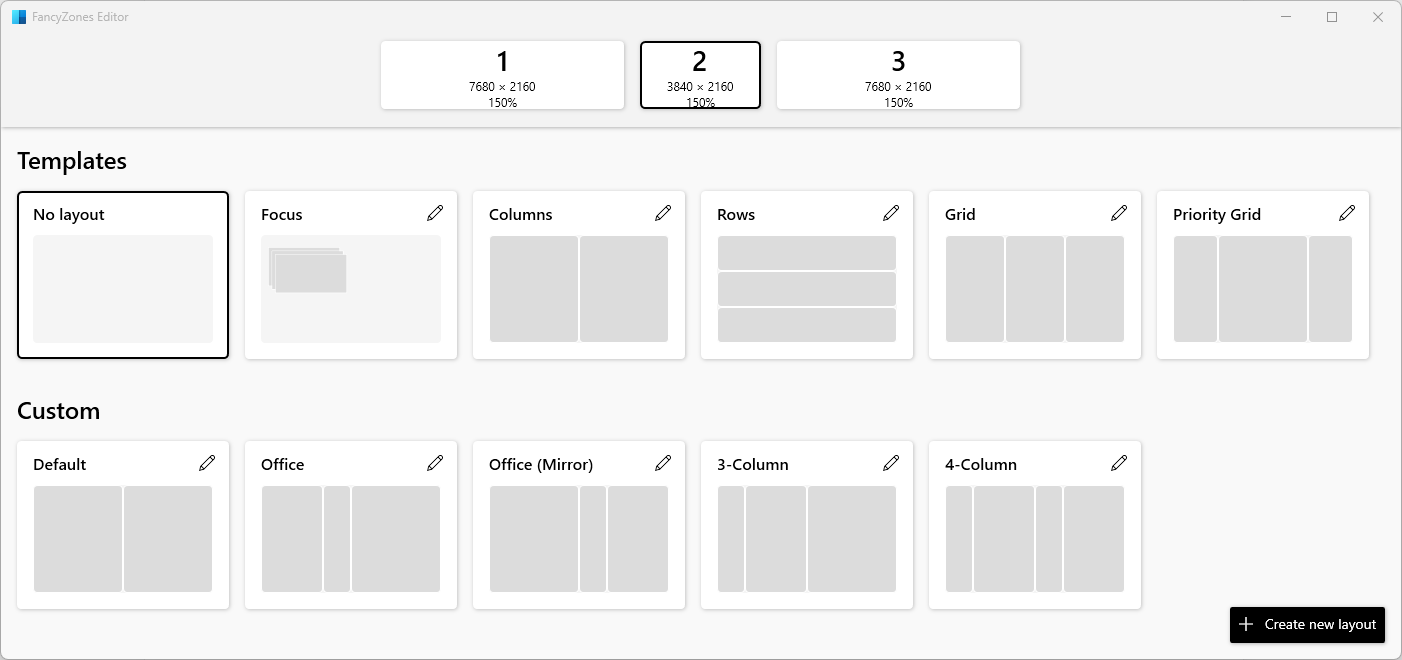
Looks simple enough, right?
With the FancyZones Windows PowerToys plugin, pretty much the ONLY option unless you want to go back decades with the DisplayFusion bloated software, each custom configuration is assigned a hotkey (CTRL+ALT+WINDOWS+(0 - 4)) and you have to make sure the mouse is on the right display for it to take affect correctly. That means memorizing your hot key shortcuts correctly (still getting it down after a week) and that means that you need to equate that hotkey to your typical display configuration. I figure that we do a lot of things out of routine that we don't even think about doing since we're so used to it, that, hopefully, this becomes 2nd nature over time--just like selecting that CAPS key when you want to capitalize letters (does anyone else still continuously get it wrong with the CAPS lock key, going back & forth repetitively after getting it wrong several times after all of these years?).
The small advantage to this setup is that windows are no longer really limited to a monitor's dimensions. While my work configuration on my left display is a 3-window environment, and has been for years, with Outlook & Teams sharing one display and the ticketing system/databases share the 2nd (now virtual) one, I'm finding that I now run 4 windows on the right display instead of two with two browser tabs open on each. Could I have done that with two separate displays on the right as with the old configuration? Um, well, yeah... I guess nothing's really changed except for the annoyance of have to remember hot keys, the convenience of 4 less cords going to my PC and electrical outlets, and the F-A-N-T-A-S-T-I-C brightness/contrast/color that these displays bring over my previous ones. To be honest, I was just going to mix & match the two ultra-wides with one of my Dell displays as the center display, but I just couldn't look at the Dell anymore, sitting in the center side-by-side with these two impeccable displays on each side. Two BRIGHT breathtaking displays on each side of the main, smallest display and the Dell looked invisible in comparison.
I'd hate to leave you hanging in regard to the question posed in the title of this post, so...
Share To
About the Author

Currently a Lakewood Ranch, Florida resident, Philip has authored various interactive blog websites since the early 2000’s. Most content will be based primarily on matters of opinion as usual.





